 CONTACT SALES →CONTACT SALES →
SSD — Solid State Drives
Understand SSD technology, compare the Rexstor range priorities and choose between internal and portable storage for your platform.
An SSD is non-volatile storage: it keeps operating systems, applications and files when power is removed. SSDs use semiconductor memory and a controller rather than rotating magnetic platters.
The physical format, host interface and protocol are separate choices. Internal devices may use SATA or PCIe/NVMe; portable SSDs add an external connection and enclosure. Start with the host and workload before choosing capacity or range.
| Choice | What it describes | Check before selecting |
|---|---|---|
| 2.5-inch SATA | A drive form factor paired here with a SATA interface. | Bay, connector, power, physical height and platform support. |
| M.2 PCIe / NVMe | An M.2 module using PCIe connectivity and the NVMe protocol. | Slot interface, keying, length, firmware support and cooling. |
| External SSD | An SSD integrated with an enclosure and external connection. | Host port, cable, supported data protocol, power and file-system compatibility. |
Boot, applications and project files on compatible systems.
Working media, project assets and portable workflows.
Local software, logs and edge data processing.
Workload-specific performance, endurance and service requirements.
Compare sustained read/write behavior, random I/O and latency at the transfer sizes and queue depths your application uses. A peak sequential figure alone does not describe everyday responsiveness.
Match the write workload to the part-number-specific endurance rating and warranty conditions. TBW and DWPD describe different ways of expressing write endurance; retention also depends on use and environment.
Ask about error handling, recovery, monitoring and firmware support. NAND type alone does not establish the quality of the complete SSD.
Check what happens during unexpected power removal and which data is protected. Hardware power-loss protection is a specific feature to verify, not an assumption for every SSD.
Check physical dimensions, clearance, cooling and power needs. Sustained performance can change when the device reaches thermal limits.
Review product identification, configuration changes, availability, warranty terms and the technical documentation relevant to your system.
Choose a range by the application’s priorities, then qualify the exact configuration. A range label is a starting point for selection, not a substitute for a product specification.
| Range | Selection priority | Typical application context | Product / next step |
|---|---|---|---|
| Consumer | Platform compatibility, capacity and everyday use. | Personal computing and portable workflows. | N700 M.2 NVMe SSD — Consumer S500 SATA SSD 2.5-inch — Consumer Portable USB-C SSD — Consumer |
| Performance | Sustained throughput, latency and thermal integration. | Creative work, demanding local processing and data movement. | Request a configuration → |
| Industrial | Environmental requirements, consistency and lifecycle. | Embedded computers, automation and equipment. | Request a configuration → |
| Enterprise | Workload endurance, data handling and platform integration. | Business servers and enterprise systems. | Request a configuration → |
| Data Center | Measured workloads, serviceability and infrastructure scale. | Cloud, virtualization, analytics and data infrastructure. | Request a configuration → |
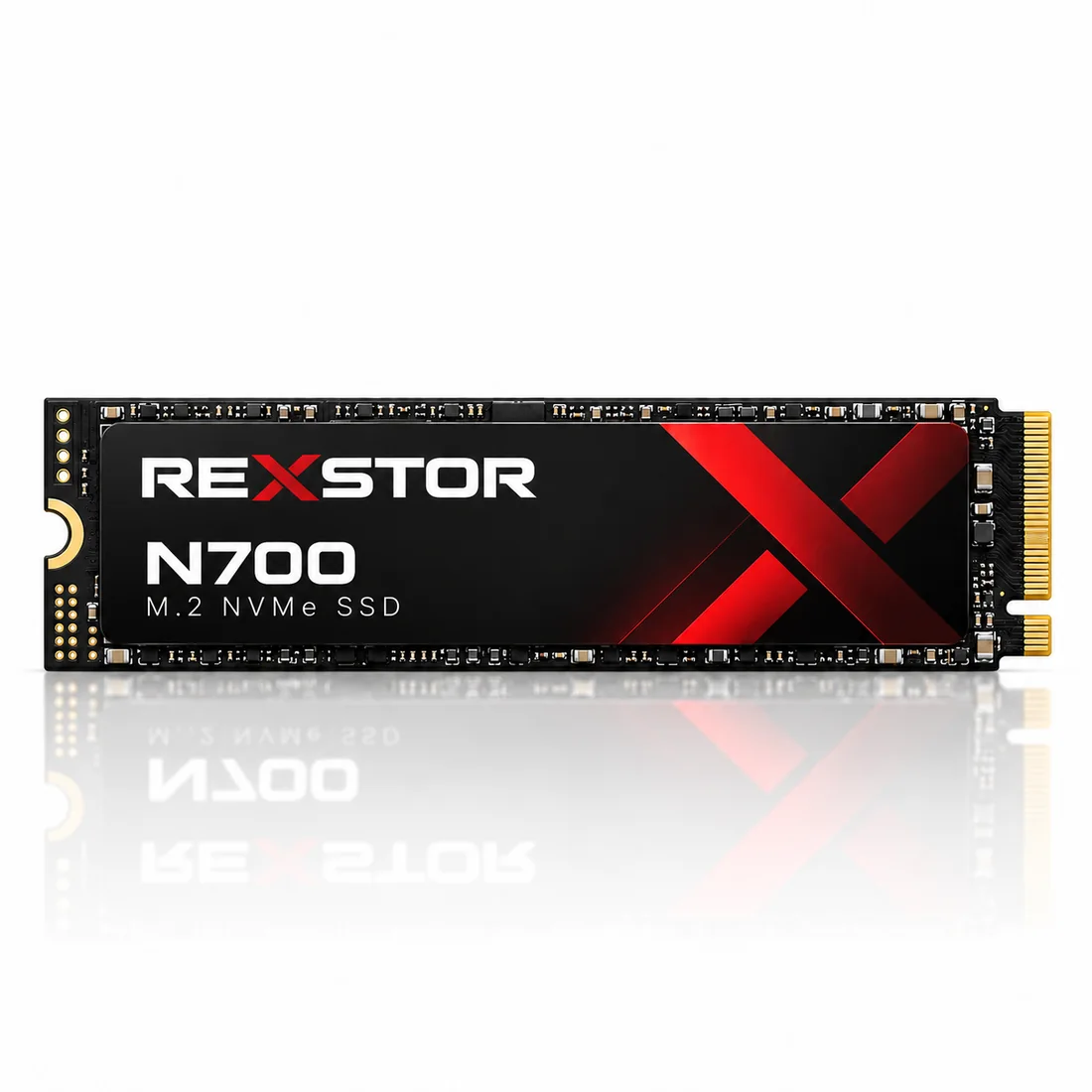
M.2 NVMe storage in the Consumer catalogue. Verify platform and configuration compatibility.
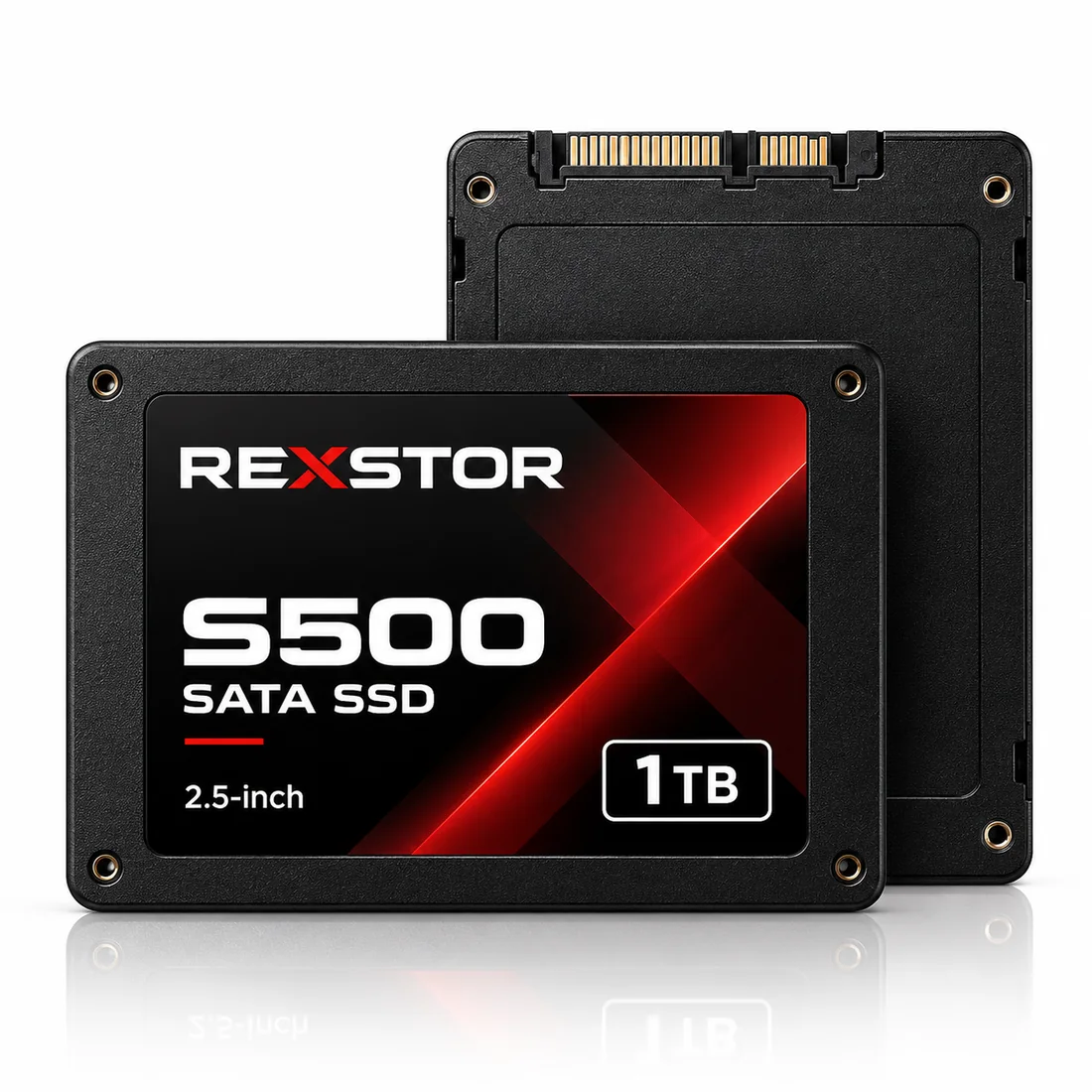
2.5-inch SATA storage in the Consumer catalogue. Check the host interface and physical fit.
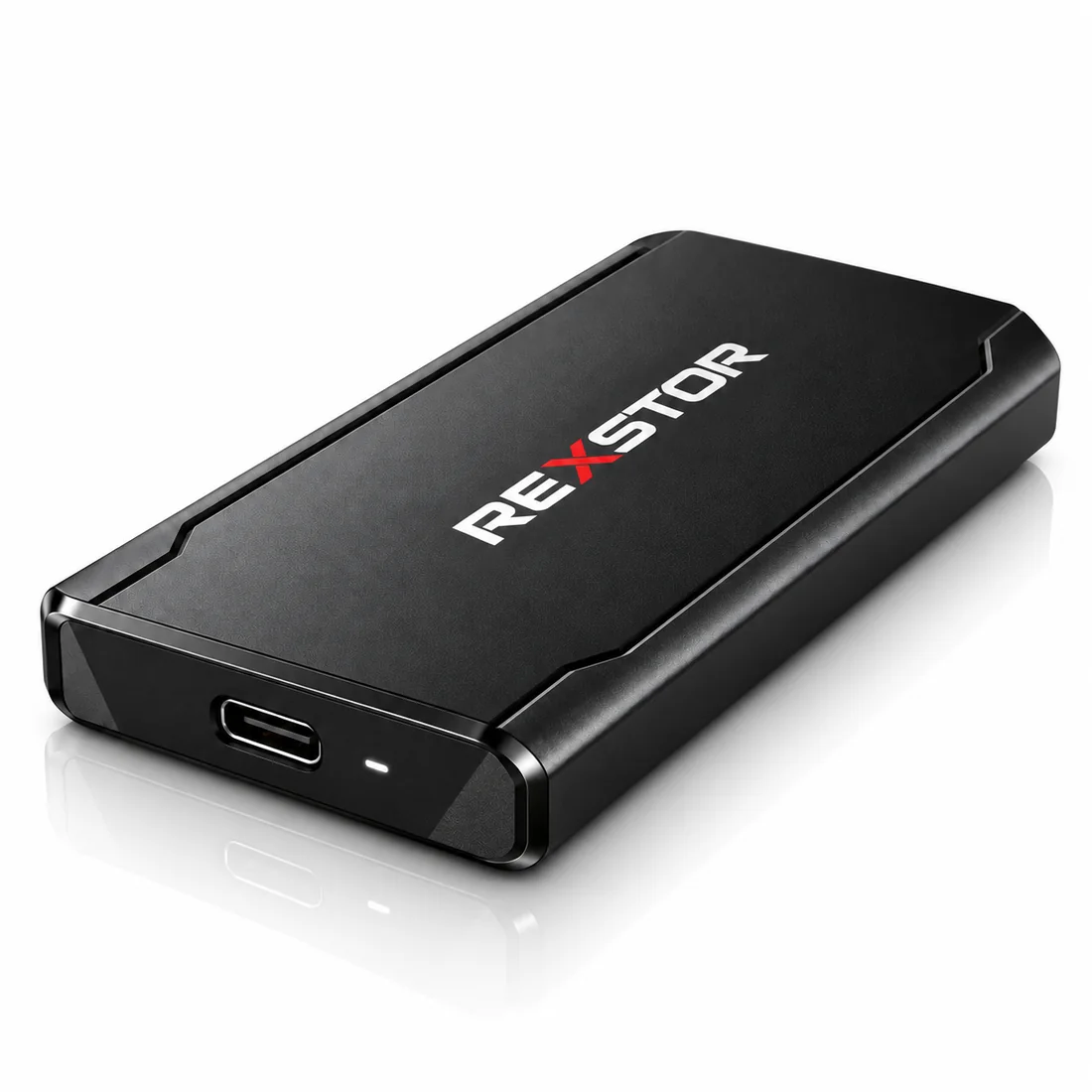
Portable USB-C SSD in the Consumer catalogue. Confirm the device, cable and host requirements.
Use these application guides to define the environment and workload. Match the chosen product and qualification requirements to the complete system.
Explore use cases, design considerations and integration requirements.
No. M.2 describes a physical module format. M.2 implementations can use SATA or PCIe; NVMe is a protocol. Check the host slot and the exact SSD specification.
Choose around sustained workload behavior, capacity, thermal limits, endurance and compatibility. A peak transfer rate does not describe every application.
Background on standards and selection terminology: NVMe specifications · SSD form factors · Understanding SSD endurance. Product-specific claims must be checked on the selected reference.
Share the host platform, use case, workload and lifecycle requirements for your project.
