 CONTACT SALES →CONTACT SALES →
USB Flash Drives
Removable flash storage for everyday file transfer and supported device workflows. Look beyond capacity and connector appearance when selecting a USB drive.
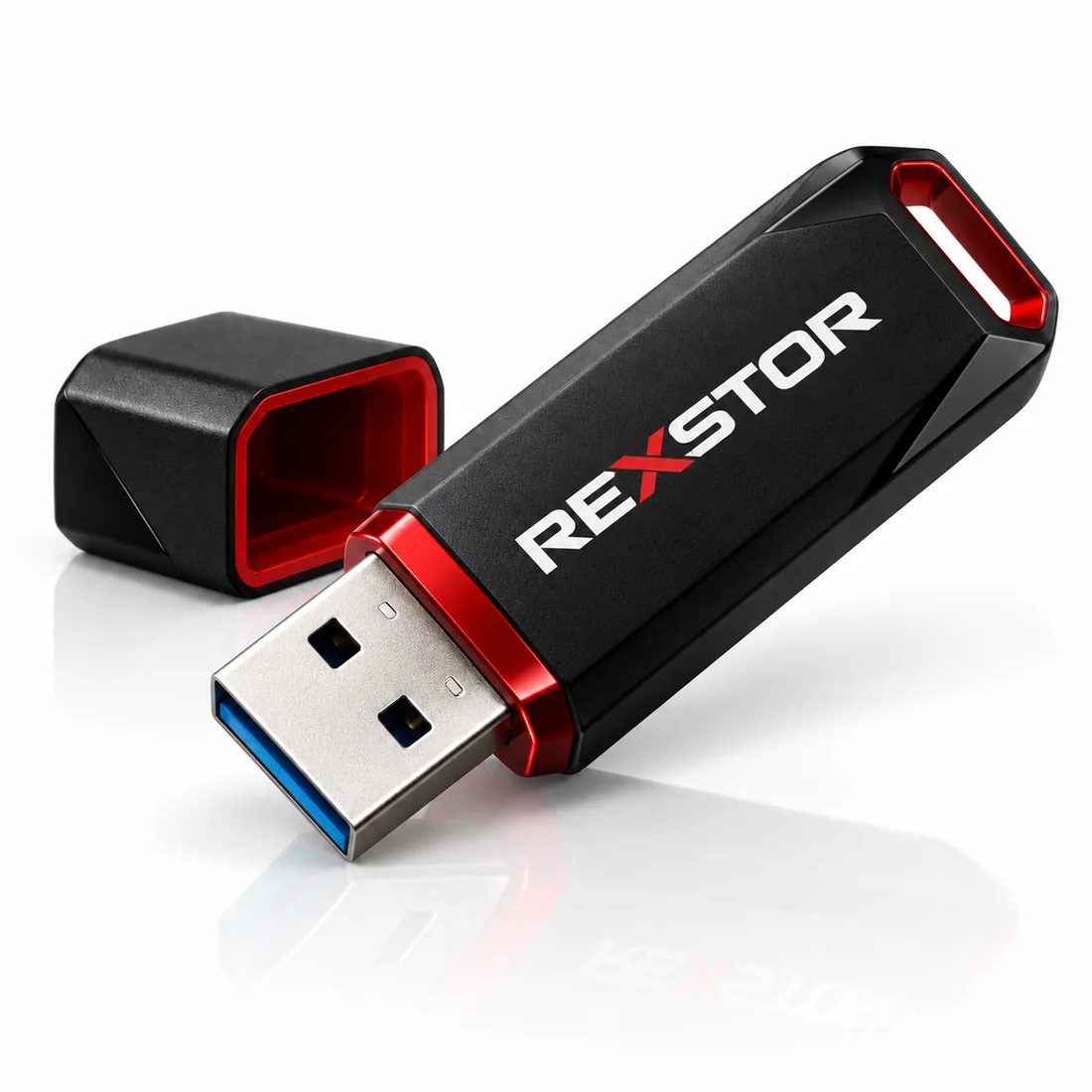
A USB flash drive combines flash memory, a controller and a USB connection in a compact removable device. It is commonly used to carry documents, exchange files and support compatible device workflows.
Connector shape, USB data capability and actual storage performance are separate characteristics. Read and write behavior, host support and the intended use matter more than capacity alone.
| Compare | What to check | Why it matters |
|---|---|---|
| Connector | Physical USB-A or USB-C connectivity. | Connector shape alone does not establish data performance. |
| Data capability | The supported USB data rate of the device and host. | The complete connection runs within its supported capabilities. |
| Storage behavior | Actual read, write and sustained-transfer characteristics. | The USB bus label is not an SSD or flash-drive benchmark. |
Carry files between compatible computers.
Move project and presentation materials.
Use with equipment workflows that explicitly support USB media.
Keep a removable copy of files needed on the move.
Match USB-A or USB-C physical connectivity to the host. A connector name alone is not a performance rating.
Compare both directions and sustained behavior. Quick read access does not guarantee fast copying onto the drive.
Consider reliability, recovery and consistency for the intended workload rather than choosing only by nominal capacity.
Frequent rewriting and long unpowered storage need application-specific consideration. Check the exact product information.
Plan usable space, file-size limits and file-system support on the devices that will read the drive.
Protect connectors and important data. Verify any encryption or security claims explicitly; not every USB drive provides them.
Choose a range by the application’s priorities, then qualify the exact configuration. A range label is a starting point for selection, not a substitute for a product specification.
| Catalogue / project route | Priority | Suitable starting point | Product / next step |
|---|---|---|---|
| Consumer | Compatible file transfer, usable capacity and handling. | Everyday removable storage on compatible hosts. | USB Flash Drive — Consumer |
| Custom project enquiry | Define a workload or integration requirement beyond the published reference. | Frequent rewriting, equipment integration, branding or a specific environment. | Request a configuration → |
USB flash storage in the Consumer catalogue. Review the published configuration.
Use these application guides to define the environment and workload. Match the chosen product and qualification requirements to the complete system.
Explore use cases, design considerations and integration requirements.
Explore use cases, design considerations and integration requirements.
Explore use cases, design considerations and integration requirements.
Both can provide removable flash storage, but their controllers, sustained behavior, endurance and enclosure designs can differ. Compare the exact products against the workload.
Keep independent copies of important data and verify that it can be recovered. Removable media can be lost, damaged or corrupted.
Background on standards and selection terminology: USB data capabilities · USB-C terminology. Product-specific claims must be checked on the selected reference.
Share the host platform, use case, workload and lifecycle requirements for your project.
